How to transcribe a meeting, interview, or lecture
A meeting transcript is useful only when readers can connect the words to the right people, decisions, and follow-up work. The safest workflow begins with permission, uses the clearest available recording, keeps sensitive media under control, and treats automatic speech recognition as a draft that requires review.
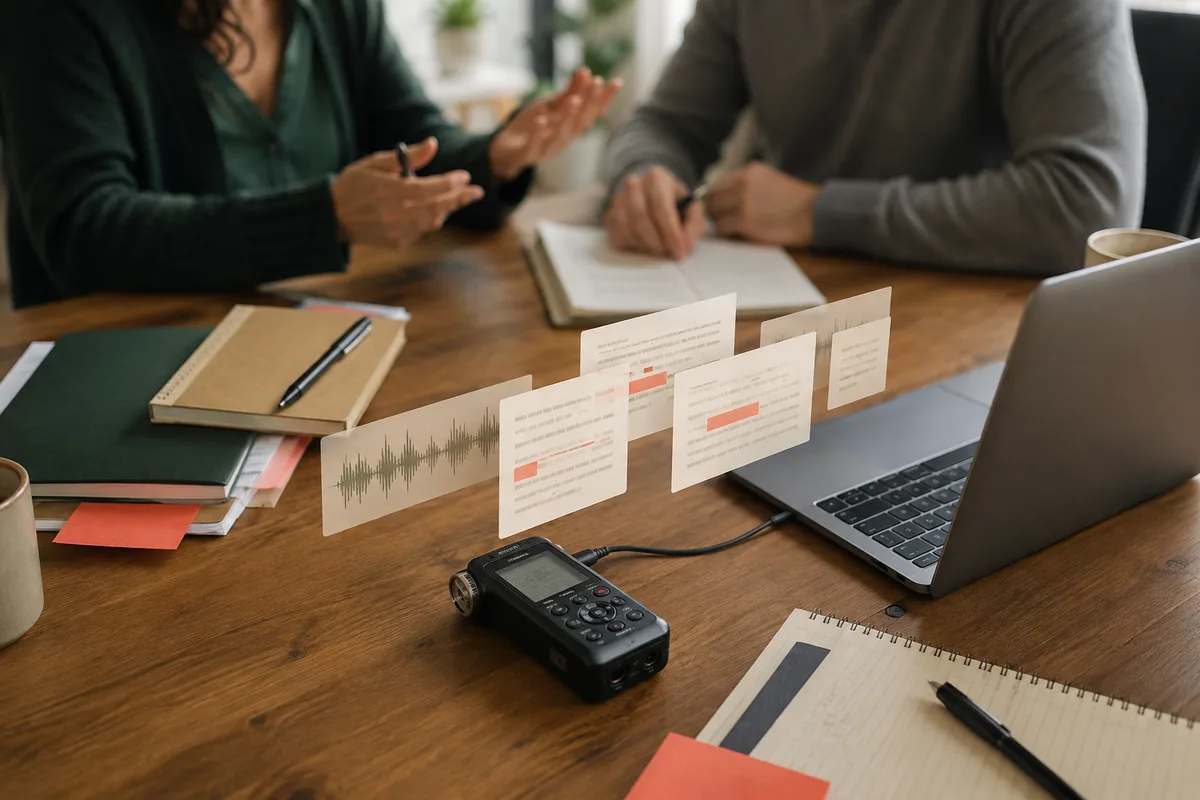
Start with permission and a clear purpose
Before recording or transcribing, make sure the participants know what is being captured, why it is needed, who will receive it, and how long it will be kept. Recording and consent requirements differ by location and organization. CaptionKite cannot determine whether a recording is lawful or appropriate, so follow the rules that apply to your meeting, class, interview, or workplace.
Define the deliverable before processing. A verbatim interview, accessible lecture captions, searchable research notes, and a short action summary require different levels of cleanup. This prevents you from spending hours perfecting filler words when the real need is a decision log—or producing loose notes when exact quotations are required.
1. Prepare the best source recording
Use the original recording when possible rather than a copy played through speakers. Speech recognition performs better with direct, consistent voices and less echo. If several microphones were recorded separately, a clean combined export may be easier to follow than a distant room microphone. Do not increase video resolution merely for transcription; the audio track is what matters.
- Confirm the file plays from beginning to end.
- Note the approximate duration and expected language.
- Remove long periods before or after the event with the video trimmer.
- For a large video, consider extracting audio with the video-to-MP3 tool.
2. Generate a local first draft
Choose the local file in CaptionKite, select the spoken language, and start transcription. Keep the tab open and the computer connected to power for long recordings. The media is decoded and transcribed in the browser rather than uploaded to CaptionKite. The speech model and website still need to load from the internet, but your selected local recording is not sent through our servers.
Long recordings depend on your device's available memory and processing power. Close heavy tabs, avoid letting the computer sleep, and divide a multi-hour event at agenda breaks if the browser becomes unstable.
3. Add speakers and structure
Automatic text does not know the participants' roles with certainty. Compare the draft against the recording and add speaker names or neutral labels such as Interviewer, Participant 1, or Instructor. Use a name only after confirming the voice. Add short headings at agenda changes, questions, demonstrations, or lecture topics so readers can navigate the document.
CaptionKite produces timed caption blocks, not a certified diarized record. If exact speaker attribution is critical, perform a full human review. For research interviews, preserve the original wording and mark uncertain passages instead of silently guessing.
4. Verify high-consequence details
Review every decision, deadline, assignment, quotation, number, and proper noun against the audio. A plausible transcription error can create the wrong action item. Search the text for dates, currency symbols, percentages, product names, and phrases such as “will,” “must,” and “by Friday.” Then listen to the surrounding passage rather than correcting from memory.
Keep the corrected transcript as the source record. Put conclusions, action items, and summaries in a separate document so readers can distinguish what was said from what the note-taker inferred.
5. Choose the right output
Best for searching, editing, summarizing, and creating minutes. Add headings and speaker labels in a document editor.
Best when the recording will be watched and the viewer needs broadly compatible timed subtitles.
Best for a web player or destination that specifically asks for WebVTT cues.
If you need a synopsis, correct the transcript first and follow the video-summary workflow. CaptionKite does not send the transcript to an online summarizer on your behalf.
6. Store and share the result deliberately
A local workflow reduces one exposure point, but the exported transcript can still contain confidential, personal, or regulated information. Save it in an approved location, restrict access to people who need it, and remove unnecessary copies from shared devices. Redact information only in a working copy so the original record remains controlled.
If you paste the transcript into an online assistant, cloud document, or messaging service, that service receives the text under its own terms. Local transcription does not make later sharing private. Read how browser transcription works for the complete boundary.
A practical completion check
- Permission and intended use are documented.
- The recording, language, and date are identified.
- Speakers are labeled only where verified.
- Names, numbers, decisions, and deadlines match the audio.
- Unclear passages are marked rather than invented.
- The final output is stored in the approved location.
- Temporary media and transcript copies are removed when no longer needed.
Turning a transcript into notes people will use
A raw transcript is a record, not a document. Nobody reads an hour of speech, and handing one to a colleague is passing on the work rather than doing it.
What people actually need is short: what was decided, who agreed to do what, and what is still open. Those three headings cover most meetings, and the transcript is where you go to check the wording when someone disagrees later.
Write the actions with names attached. “Someone will look into pricing” is how a task disappears. And keep the transcript alongside the notes rather than instead of them — the value of having the full record is that a disputed detail can be settled by reading it, which only works if it still exists.
Deciding how long to keep the recording
Recordings of meetings accumulate quietly and are more sensitive than they feel at the time. Someone speaks freely because it is a working conversation; a year later the file is still there and the context is gone.
Decide the lifespan at the start rather than never. Many meetings need the recording only until the notes are agreed, after which it can go. Some need to be kept for a defined period. Almost none need to be kept forever by accident, which is the default when nobody chooses.
Two practical points. Tell people they are being recorded — in many places that is a legal requirement and everywhere it is basic courtesy. And if you correct the notes later, correct the shared copy rather than sending a second version, because two documents in circulation is how the wrong one gets quoted.