The browser does the media work.
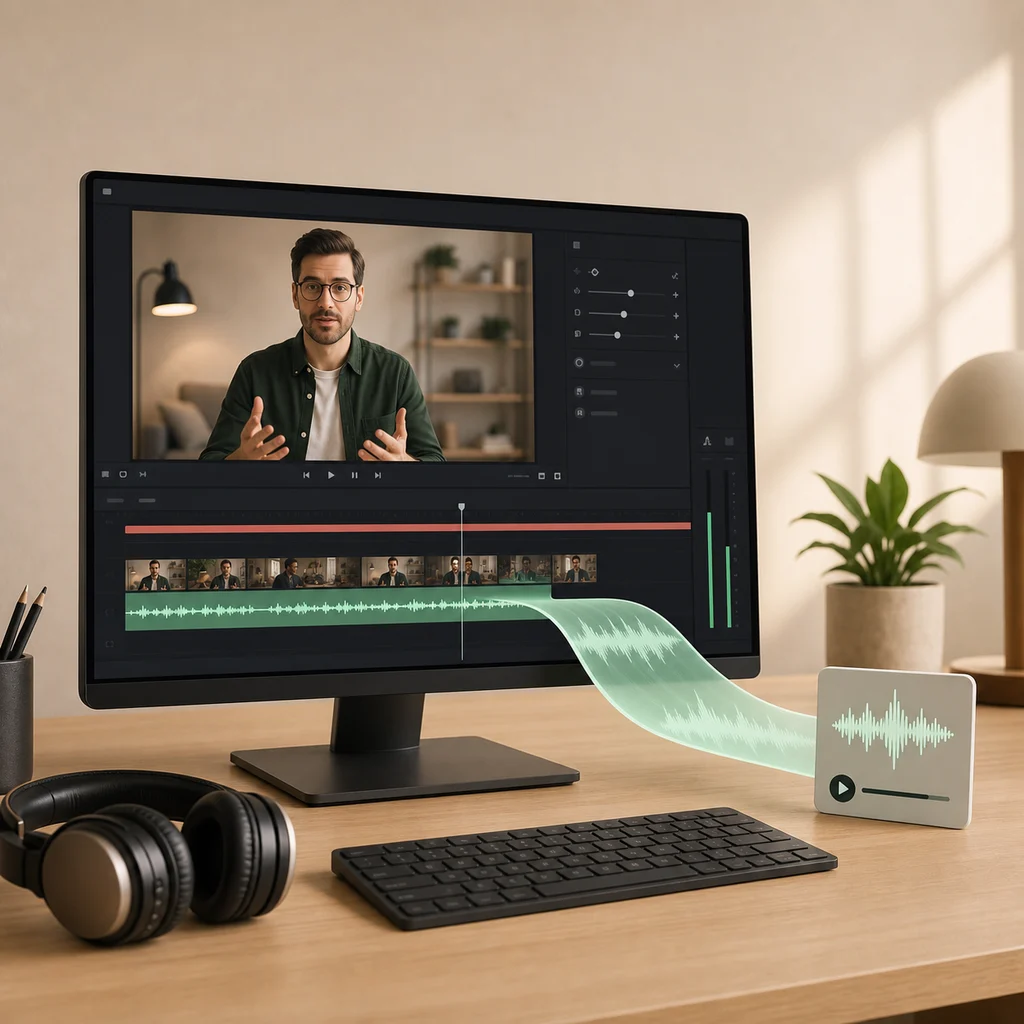
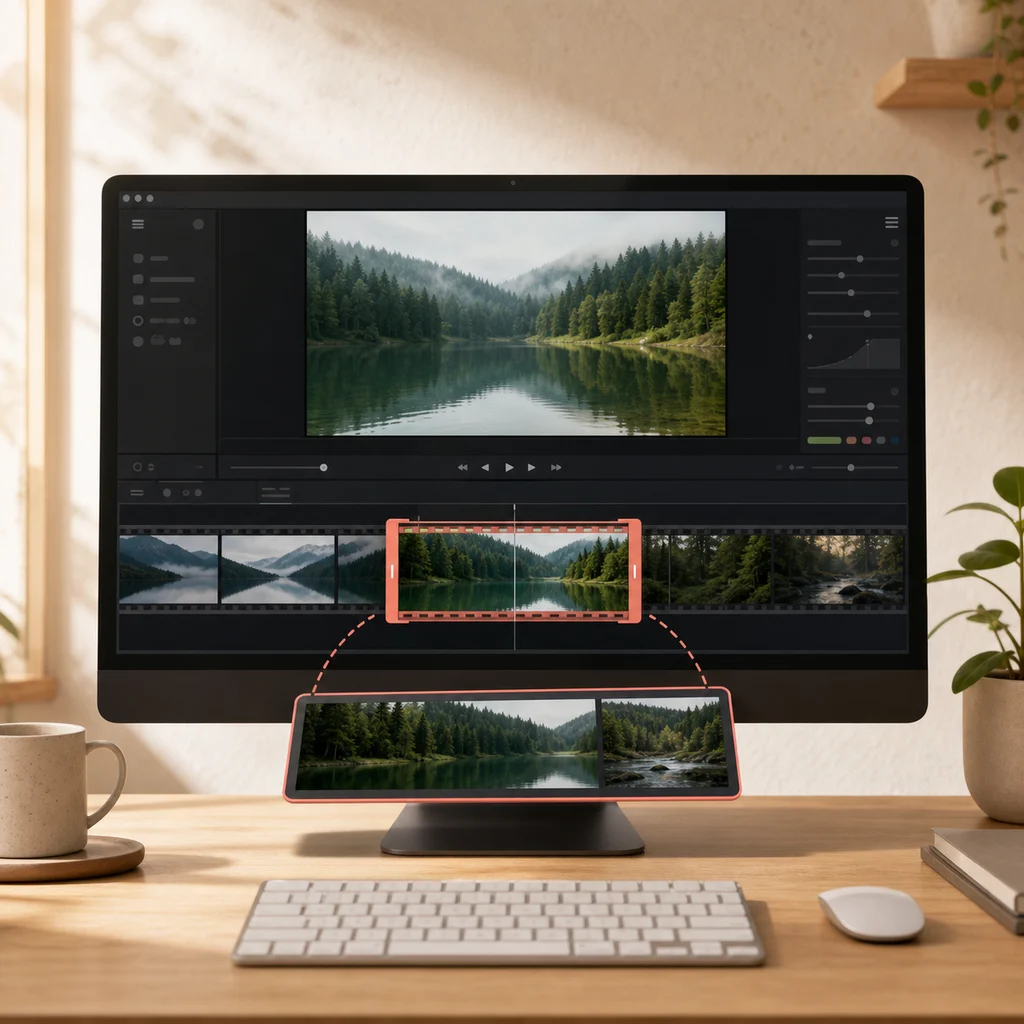
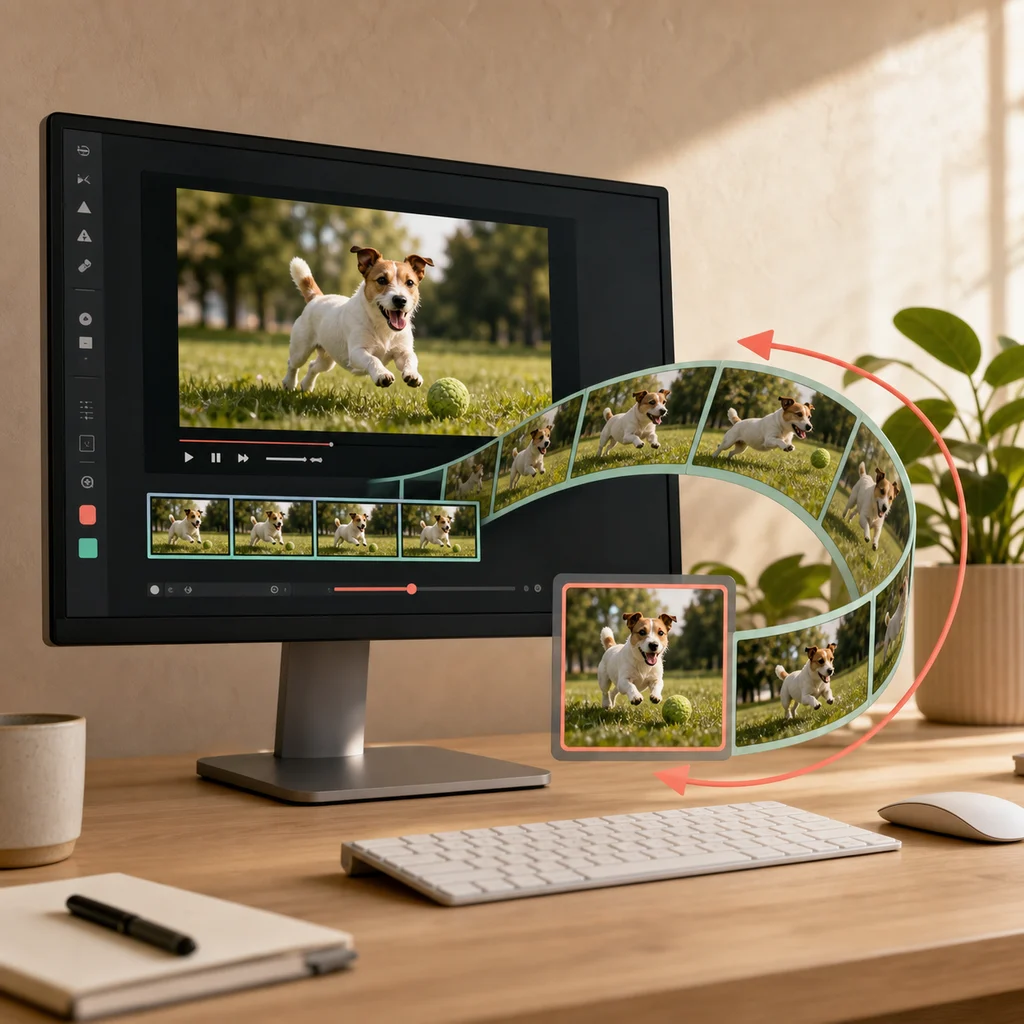
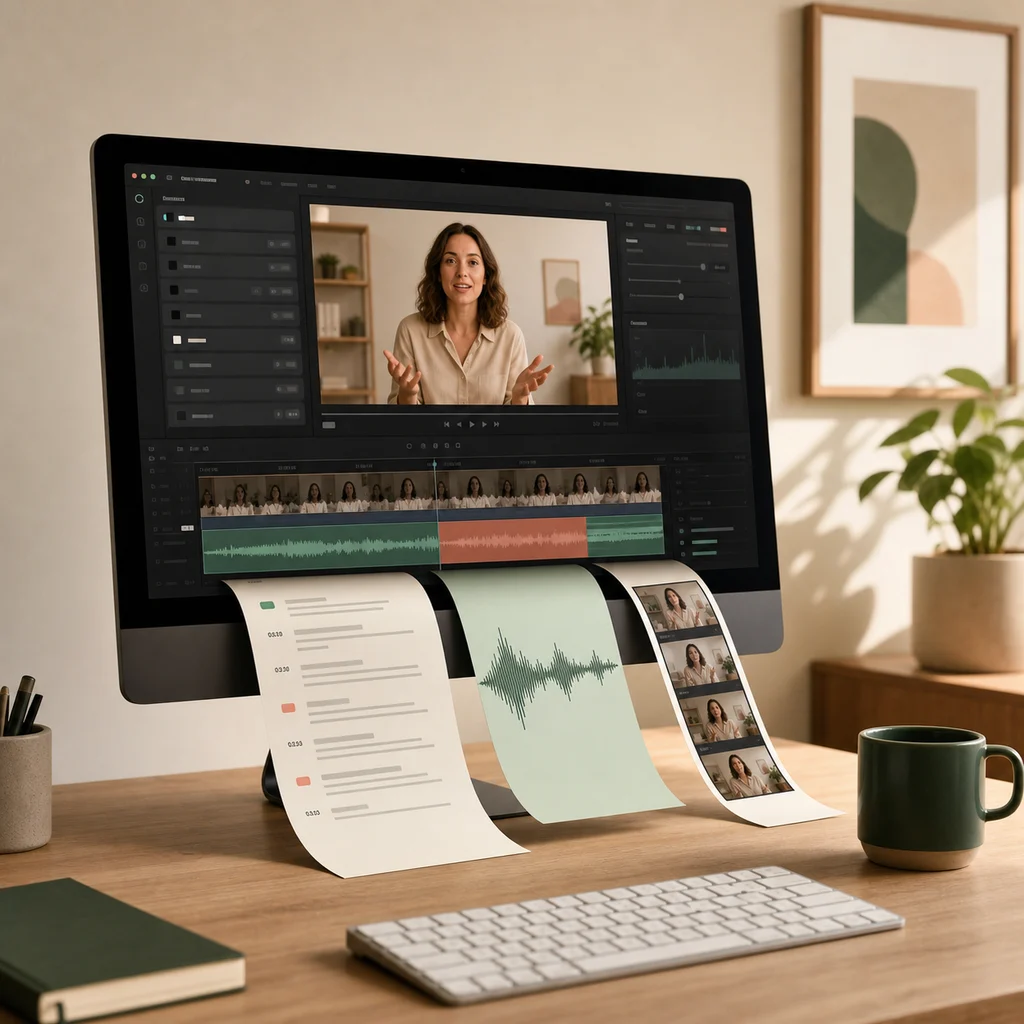
Each CaptionKite tool reads a file you choose and processes it on your device. The caption generator turns speech into SRT, VTT, or an editable transcript. The audio extractor saves a video's soundtrack as MP3, M4A, or WAV. The trimmer keeps one selected section, and the GIF maker converts a short moment into an animated image. None of those local-file workflows requires an account or sends the recording to CaptionKite.
This approach is particularly useful for interviews, internal meetings, unpublished footage, family recordings, and large files that would be tedious to upload. It also means there is no remote queue: once the page and any required model or encoder have loaded, processing depends on your computer rather than somebody else's server capacity.
Choose the tool—and the device—around the job.
Browser-local processing is not magic. Your computer supplies the processor, graphics support, memory, and temporary storage. A recent desktop browser is the best choice for a long recording or high-resolution video; a phone is better suited to short clips. Keep the page open while a job runs, connect a laptop to power, and close memory-heavy tabs when working near a tool's stated ceiling.
A local tool is also the wrong choice when you need collaborative cloud editing, a permanent project library, professional colour controls, or frame-by-frame effects. CaptionKite is designed for focused jobs with a clear downloadable result. If a source will not preview, the usual cause is the codec inside the container rather than the filename. The media-format guide explains how to identify that problem, while the video upload troubleshooting guide separates browser, network, size, and permission failures.