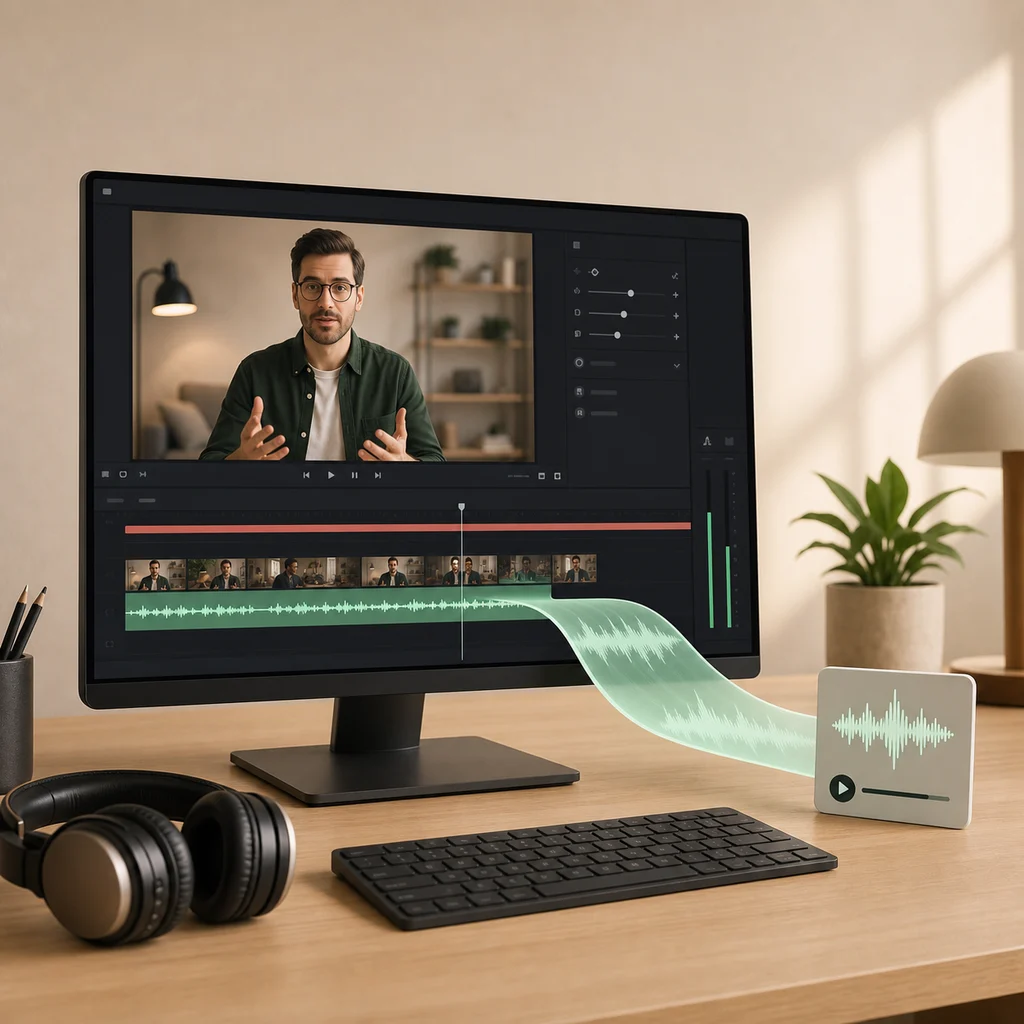
Extract the audio track
Three steps, none of them upload your file
The video is read straight from your disk, the audio track is decoded, and the result is encoded into the format you chose — all inside the page. Because there is no upload, there is no queue, no size limit imposed by whoever pays for bandwidth, and no copy of your recording sitting on someone else's server afterwards.
MP3, M4A, or WAV?
The universal choice. Plays on essentially any device or player made in the last twenty-five years. Pick this unless you have a reason not to.
Better quality per megabyte than MP3, and well supported on modern phones and desktops. Good for podcasts, interviews, and long recordings.
Uncompressed, so nothing is discarded and files are large — around 10 MB a minute. Use it when the audio is heading into an editor.
For speech, the quality setting matters far less than people expect. A lecture, meeting, or interview at the medium setting is usually indistinguishable from high while being appreciably smaller.
Frequently asked questions
Is my video uploaded?
No. The file is decoded and converted inside your browser. We never receive it, and no server does the work.
Which format should I choose?
MP3 plays almost everywhere and is the safe default. M4A gives a smaller file at similar quality and suits podcasts or anything you will mostly play on a phone. WAV is uncompressed and much larger, worth it only when the audio is going into an editor for further work.
Why is there no MP3 option?
Your browser could not start the MP3 encoder. Choose M4A or WAV instead, or try Chrome or Edge, which support it reliably.
Does converting lose quality?
MP3 and M4A are compressed, so some detail is discarded — the higher quality setting keeps more of it. Because the source is already compressed inside the video, this is a second pass, which is normal and rarely audible for speech. WAV discards nothing.
Why is the WAV file so large?
WAV stores every sample uncompressed, which is roughly 10 MB per minute in stereo. An hour is about 600 MB. That is expected, not a fault: it is the point of an uncompressed format.
Can I convert an audio file rather than a video?
Yes. Any file your browser can decode works, including MP3, WAV, M4A, and OGG, so the tool doubles as an audio format converter.
Related tools
If what you actually want is the words rather than the audio, generate captions and a transcript instead — it also runs locally. You can also trim a clip before converting, or turn a moment into a GIF. For a recorded conversation or class, follow the complete guide to transcribing a meeting, interview, or lecture.