01
Select the moment
Use the handles to isolate the action. Two to eight seconds is a good target for most GIFs.
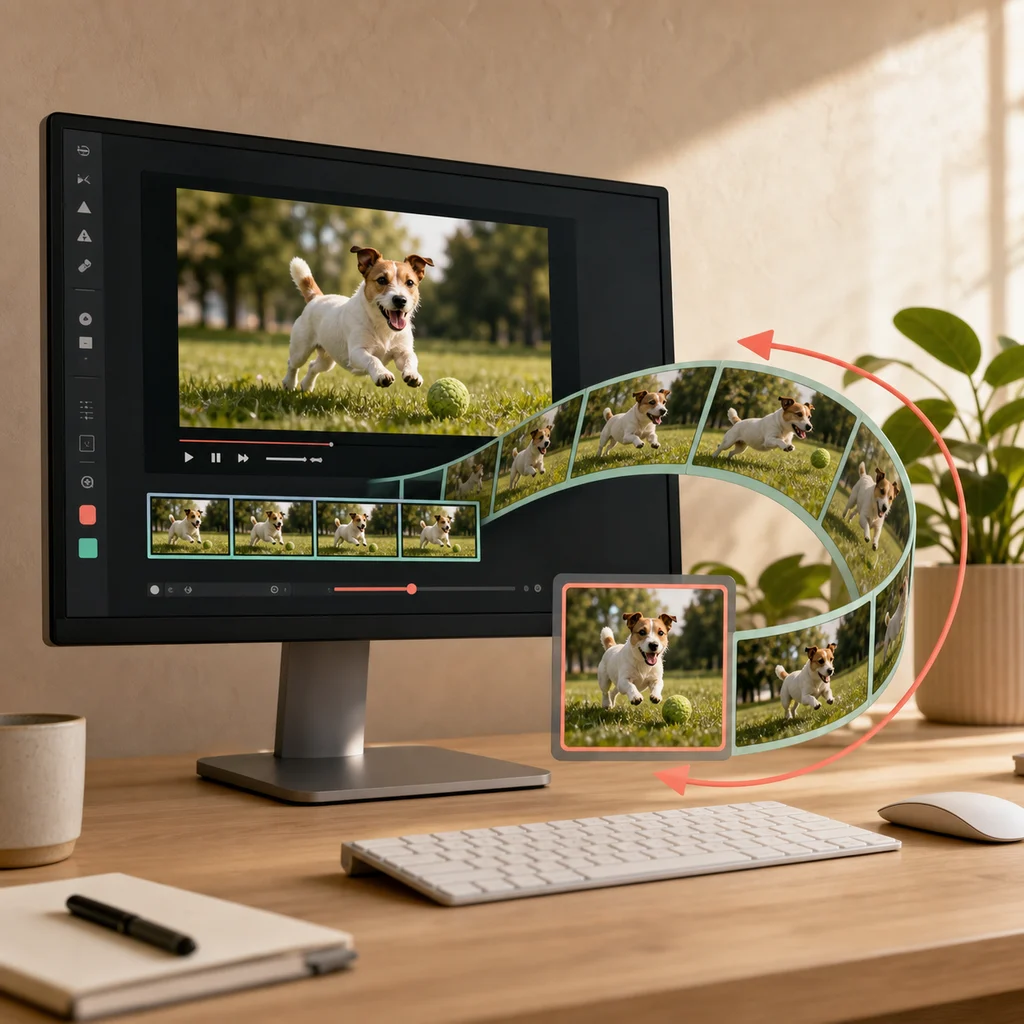
Use the handles to isolate the action. Two to eight seconds is a good target for most GIFs.
Start at 360 px and 10 fps. Lower either setting when you need a smaller file.
Watch several repetitions and confirm the beginning and ending feel intentional.
Made with this tool: 3.5 seconds at 480 px and 10 fps, which comes out at about 1.3 MB.

Frames are pulled from the section you marked, reduced to a 256-colour palette sampled across the whole selection rather than from the first frame, and written into a GIF in the page. Nothing is sent anywhere, so there is no queue, no upload limit set by a server, and no watermark added to pay for one.
The strongest lever. Every frame shrinks in both dimensions at once, so halving the width cuts the file to roughly a quarter.
Fewer frames per second means fewer images stored. 10fps reads as smooth for most footage; 15 is worth it only for fast motion.
Cost rises in a straight line with duration. Three well-chosen seconds almost always beat ten unedited ones.
A GIF has no compression between frames — each one is stored more or less whole. That is why a ten-second clip that is a trivial video file becomes an unwieldy GIF, and why the estimate moves so sharply when you change the width.
No. Frames are read and encoded inside your browser. We never receive the file, and there is no server involved.
GIF stores every frame as a separate image with no compression between frames, so length costs far more than it does in a video. A few seconds stays shareable; thirty seconds at a modest width is already several megabytes, and a minute would produce a file most services would reject.
Reduce the width first — it shrinks every frame in both dimensions, so halving the width cuts the size to roughly a quarter. Then lower the frame rate, then shorten the selection. The estimate updates as you change each one.
GIF supports only 256 colours per image, so every conversion has to pick a palette. Gradients, skin tones, and dark scenes suffer most. Footage with flat colours and clear shapes converts far better than a sunset.
No, and it cannot. The GIF format has no audio track at all. If you need sound, trim a clip instead and keep it as a video.
Yes. The height follows your source's aspect ratio, so a vertical phone video produces a vertical GIF. Only the width is chosen; the size estimate accounts for the real shape.
Need sound, or more than thirty seconds? Trim a clip and keep it as video instead. You can also extract the audio or generate captions and a transcript. For short published clips, use the guide to creating readable social-media subtitles.