Getting started
Create an SRT from video
Turn a local video into a timed subtitle file, review it efficiently, and avoid common timing mistakes.
Clear, practical help for captions, transcripts, clean video clips, animated GIFs, audio extraction, and private browser media workflows. The guides explain not only which button to press, but why formats behave differently and where a browser tool reaches its limits.
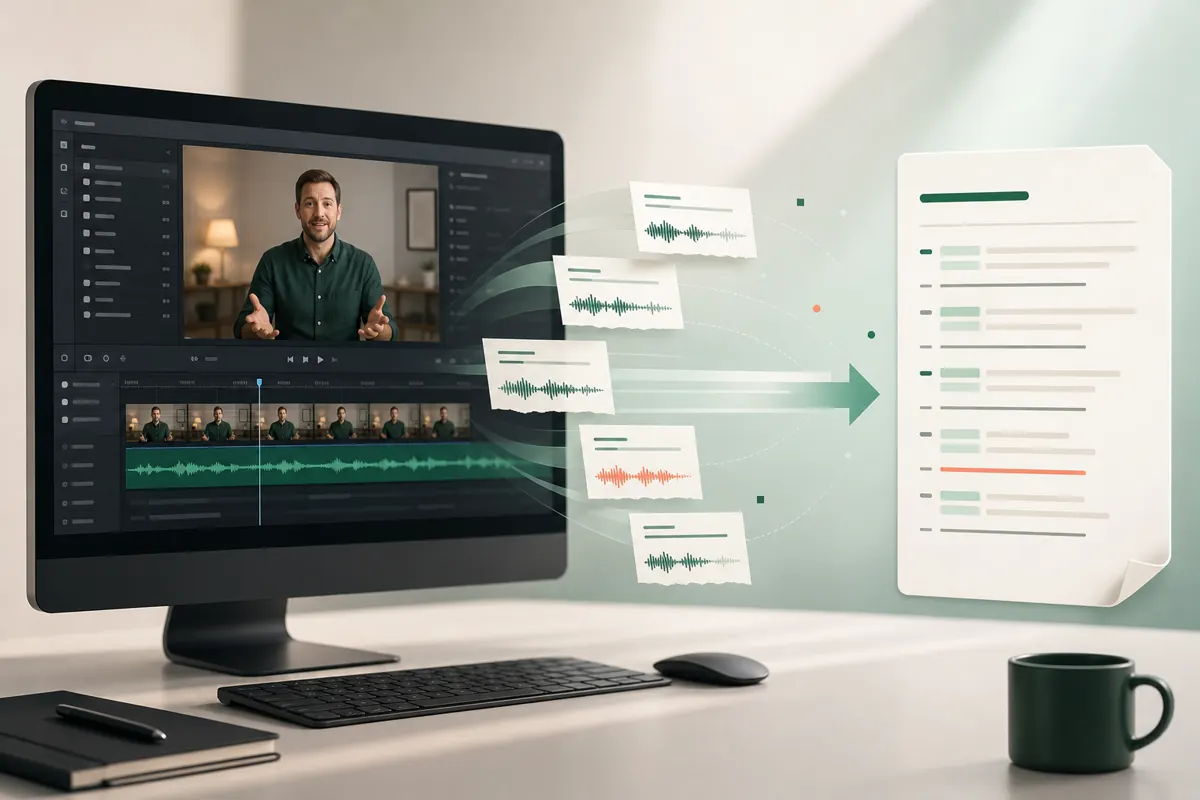
SRT and VTT look similar but serve different destinations. MP3, M4A, and WAV trade compatibility, size, and editability. GIF settings change both motion and file weight. The comparisons here focus on the choice that affects your finished work.
An MP4 can contain a codec your browser cannot decode. A fast trim can begin early because it follows keyframes. A direct media URL can fail because its host blocks cross-origin access. Knowing the mechanism makes troubleshooting much less random.
Local processing reduces unnecessary uploads, but your device still needs enough memory and storage. The guides identify sensitive-file considerations, review steps, and the cases where a desktop editor or authorised platform workflow is a better fit.
Start with the guide closest to your desired output, then follow its links when a format or compatibility question appears. Examples use concrete durations, dimensions, and filenames where those numbers clarify a real decision. They are not performance promises: processing time and practical capacity still depend on your hardware, browser, source codec, and the complexity of the media.
Turn a local video into a timed subtitle file, review it efficiently, and avoid common timing mistakes.
Turn a recording into an accurate, editable transcript in your browser, then summarize it with the tool you already use.
Choose accurate start and end points, understand fast and precise cuts, and download a clean video clip.
Select the right moment and balance GIF dimensions, frame rate, motion, and file size in your browser.
A practical comparison of the two most common caption files, including where each format works best.
Choose between selectable captions and burned-in text, then take the right file into your editor or platform.
Understand containers, codecs, size limits, direct URLs, and what to try when a file will not open.
Learn what stays on your device, what your browser downloads, and the tradeoffs of processing locally.
A clear diagnostic path for model downloads, unsupported media, memory pressure, and difficult audio.
Prepare readable subtitles for vertical, square, and landscape videos without hiding important action or interface controls.
Turn a long recording into useful notes while protecting sensitive media and checking speakers, names, and decisions.
Diagnose size, codec, browser, network, and permission failures before trying another conversion service.
Reduce a video by trimming, shortening, or choosing a more suitable delivery method while preserving the part viewers need.
Save the sound from a video as MP3, M4A, or WAV, choose an appropriate quality, and check the result before sharing it.
Create an editable transcript from a local video, correct the details that matter, and export text or timed caption files.
Create and review an SRT file, upload it in YouTube Studio, label the language correctly, and fix common timing problems.
Choose the right workflow for a Zoom cloud or computer recording, review the transcript, and share captions without exposing the source unnecessarily.

See exactly what your browser downloads, where transcription happens, and what changes when you paste a direct URL.
How local transcription works →