How private browser transcription works
CaptionKite performs speech recognition inside your browser. That changes where your media travels, what gets downloaded, and which device resources do the work.
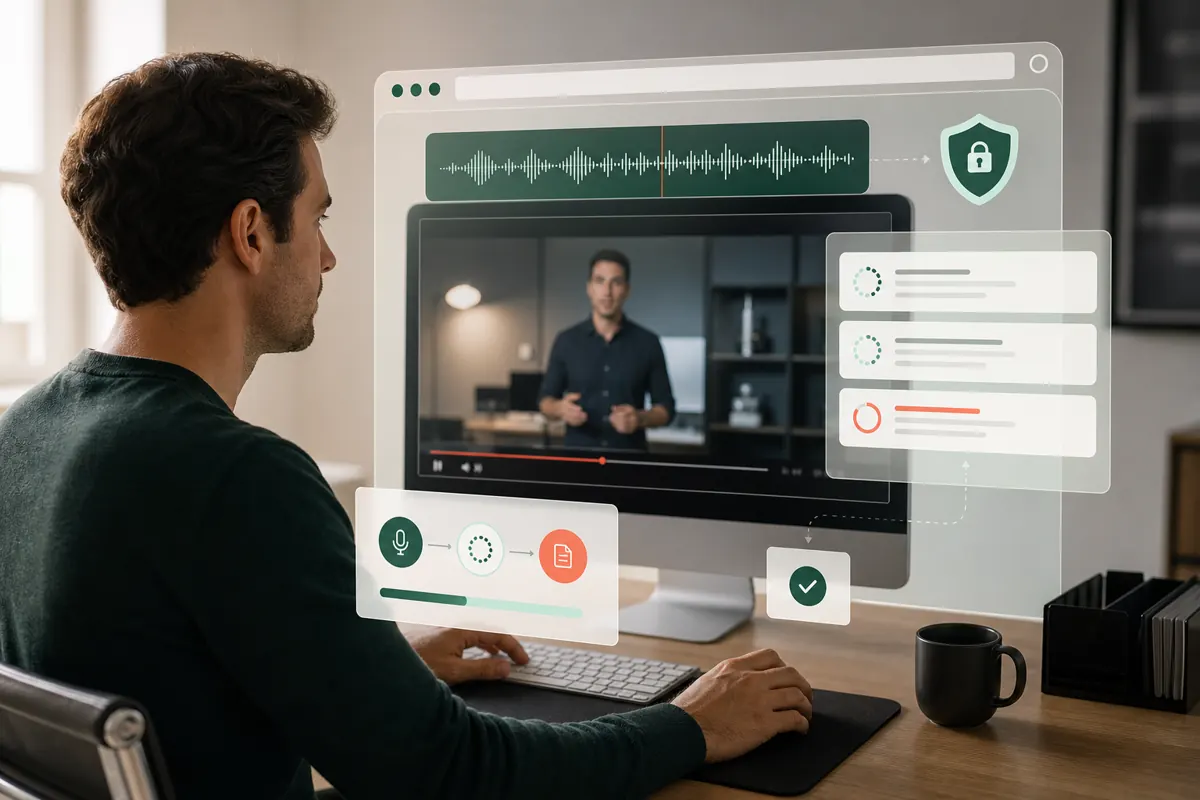
What happens after you choose a file
The video or audio is not uploaded to CaptionKite. Temporary audio data and the generated transcript exist in the page while you work.
What still uses the internet
The website itself must load, and the speech-recognition model is downloaded from its model host on first use. Your browser normally caches that model for later visits. If you paste a direct media URL, your browser also requests that file from the website hosting it.
Those network requests are different from uploading a local media file to CaptionKite. The local file remains on your device.
The privacy and cost benefits
- Private meetings and drafts do not need to be stored on a transcription server.
- No account is required to connect a transcript to your identity.
- Processing does not consume paid server transcription minutes.
- The cached model can make later sessions quicker to start.
The tradeoffs of local processing
Your computer supplies the memory and computing power. Older devices may run slowly, long audio can increase memory pressure, and browser media support varies. Closing the tab interrupts the job, and clearing browser storage may require the model to download again.
Use a local file rather than a remote URL, close unrelated tabs, review your organization's data policy, and remove downloaded captions from shared computers when finished.
Analytics and advertising are separate
CaptionKite may use privacy-conscious traffic measurement and clearly identified advertising to support the free tool. Those services can load on the page, but the transcription pipeline does not send them the contents of your selected local media or generated transcript. See the privacy policy for the current details.
Where the boundary actually sits
Vague privacy claims are worth very little, so here is the specific one. Your media file is read by code running in your browser tab. It is decoded there, transcribed there, and the result is displayed there. At no point is the file, or the transcript, sent to a CaptionKite server — there is no server doing this work, which is why there is no queue and no upload progress bar.
Things that do use the network, stated plainly: the website itself has to load; the speech model is downloaded from its host the first time you use it; and if you paste a media URL, your browser fetches that file from whoever hosts it. Advertising and anonymous traffic measurement also load on the page.
What none of those carry is the contents of your recording. The distinction is between a page that uses the internet and a page that uploads your file, and only the first is true here.
What your browser keeps, and for how long
“Not uploaded” and “not stored” are different promises, and it is worth being precise about which applies.
The speech model is cached deliberately, so the second visit does not download it again. That is a few hundred megabytes of model weights — nothing to do with your recording — and clearing site data removes it.
Your file and transcript live in the page while you work and disappear when you close or reload the tab. The one exception is a media URL you paste: because a large download cannot be held in memory, it is written into private browser storage as it arrives, then deleted when you cancel, load something else, or leave the page.
Anything you download — an SRT, an MP3, a clip — is an ordinary file in your Downloads folder from that moment on, and is your responsibility rather than the browser's.
Local does not mean offline
These are easy to conflate and they are not the same thing.
Local processing means the computation happens on your device. Offline would mean the page needs no network at all, and that is not the case: the site has to load, and the model has to be fetched at least once.
In practice, once the model is cached, a transcription can run with the connection interrupted — the work is genuinely happening on your machine. But do not plan around that. Clearing site data, a browser update, or a different profile will all trigger a fresh download, and discovering that on a plane is an unpleasant surprise. If you need reliability without connectivity, test it deliberately beforehand rather than assuming.
The risk moves once the transcript exists
The careful part of this workflow is the beginning. The leak, when there is one, is almost always at the end.
A transcript of a confidential meeting is a plain text file with no protection at all. Pasting it into an online assistant sends it to whoever runs that assistant, under their terms. Emailing it puts a copy on several mail servers. Leaving it in Downloads on a shared machine leaves it for the next person.
None of that is an argument against local processing — it is the reason local processing was worth having for the earlier step. But if the recording was sensitive enough to justify keeping the video off a server, the transcript deserves the same care, and it is much easier to forward.