How to add captions to an MP4 video
There are three ways to pair captions with an MP4: upload a separate caption file, embed a selectable track, or burn the words into the picture. The right choice depends on where the video will be watched.
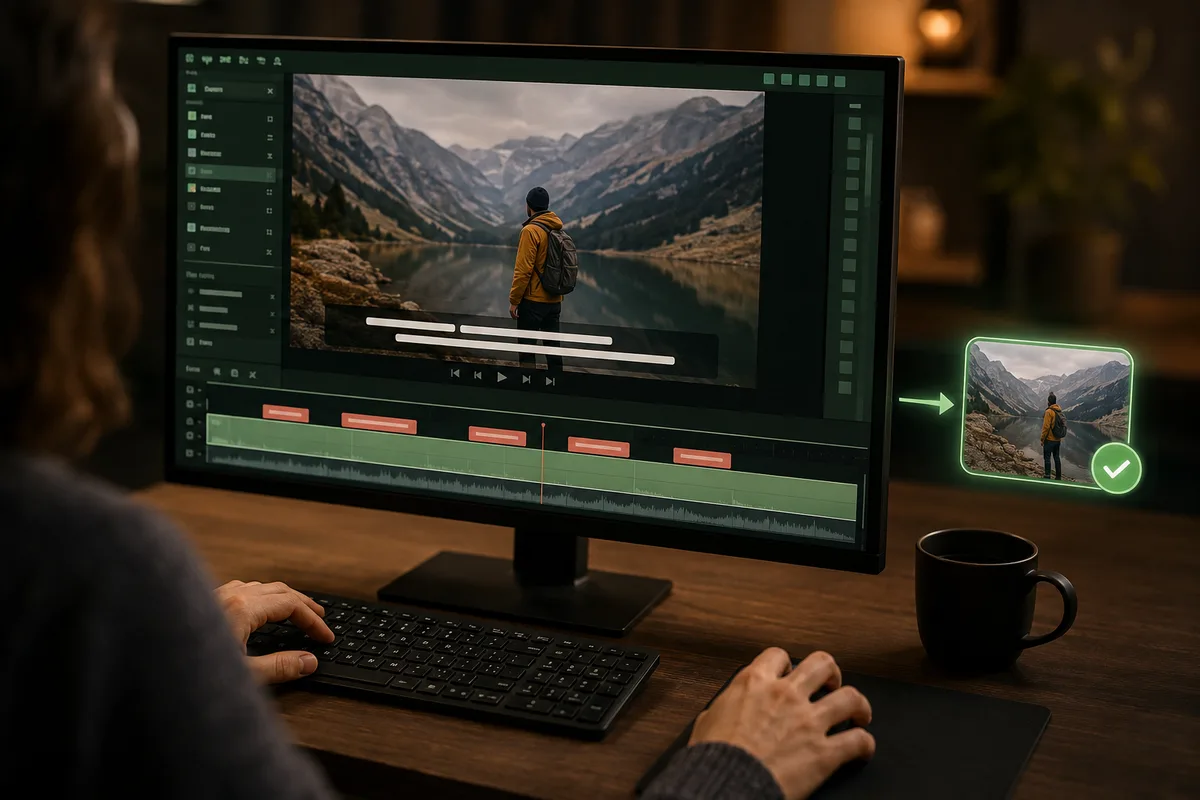
Choose how the captions should behave
Keep the MP4 and SRT/VTT separate. Viewers can turn captions on or off. This is usually best for video platforms.
Package a selectable caption track inside the MP4. Useful for files distributed directly, but player support varies.
Render text into every frame. It works everywhere but cannot be hidden, restyled, or easily corrected later.
1. Create and review the caption file
Generate an SRT or VTT with CaptionKite. Review names and timing, then save a clean master copy before taking it into an editor or platform. If you are unsure which export to use, start with SRT.
2. For most platforms, upload a sidecar file
Upload the MP4 normally, then find the destination's captions, subtitles, accessibility, or language area and attach the SRT/VTT. Select the correct language and label it accurately. Preview with captions both on and off.
Selectable captions improve accessibility without forcing a visual style, can be indexed or translated by some platforms, and can be corrected without re-encoding the video.
3. Burn captions in only when needed
Import the MP4 and caption file into a video editor, inspect the caption track, choose a high-contrast style, and export a new MP4. Keep text away from controls and important visual details. Test the result on a phone as well as a desktop screen.
Burned-in captions are useful for silent autoplay feeds or players that do not support caption tracks, but they are not a full replacement for selectable accessibility captions.
A five-point quality check
- Captions match the spoken words and intended language.
- No caption appears before the matching speech.
- Text remains readable against changing backgrounds.
- Important names, numbers, and sound cues are correct.
- The final delivery includes the caption file, not only a preview.
Common mistakes to avoid
Do not rename a TXT transcript to .srt; it lacks timings. Do not assume captions are enabled just because a file was uploaded. And do not delete the editable SRT after burning captions into a video—you will need it for corrections, translations, and other platforms.
Three ways to attach captions, and when each is right
“Adding captions to an MP4” can mean three different things, and picking the wrong one costs a re-export.
A separate file alongside the video. You upload an SRT next to the MP4 and the platform pairs them. Viewers can switch it off, search engines can read it, and fixing a typo means re-uploading a few kilobytes rather than a few gigabytes. This is the right default almost every time.
A caption track inside the file. The words live in the MP4 itself but stay selectable. Useful when a file has to travel alone and still carry its captions — an offline archive, a hand-off where you cannot rely on the sidecar surviving.
Burned into the picture. The text becomes part of the image and cannot be turned off, translated, or corrected without re-rendering. Necessary where captions cannot be switched on by the viewer, which in practice means most social feeds.
Making burned-in text readable over a moving picture
Text on video has to stay legible over whatever passes behind it, and the background changes every frame.
White text with a dark outline or a semi-transparent backing bar survives almost anything. Plain white on its own disappears the moment someone walks past a window. Keep the type large enough to read on a phone held at arm's length, which is bigger than it looks on a desktop monitor.
Position matters as much as styling. Keep captions clear of the lower portion where platforms overlay their own interface — usernames, progress bars, buttons — or your words will end up underneath a Like count. And remember that once this is rendered, a spelling mistake means exporting the whole video again, so proofread before you commit rather than after.
Planning for the correction you will need later
Captions get revised. A name was wrong, a term changed, a second language is needed. How much that costs depends entirely on the choice you made earlier.
With a sidecar file it is trivial: fix the text, re-upload it, done in a minute. With a burned-in version it means re-rendering and re-uploading the video, which on most platforms also means losing the URL, the view count and any comments.
So if there is any chance of a correction or a translation — and for anything with names, figures, or a shelf life beyond a week, there is — keep a reviewed sidecar file as the master even when you also publish a burned-in copy. Store it beside a note of which cut of the video the timings match, because timings are only valid for one edit.
Watch it the way your viewers will
The last check is the one most often skipped: play the finished video, on a phone, with the sound off.
That is how a large share of people will actually watch it, and it surfaces things the text never shows. Captions arriving a beat late. A line sitting on top of a graphic. Text that is perfectly readable on your monitor and unreadable at phone size. A caption still on screen after the speaker has moved on.
It takes as long as the video does and it catches the errors that matter, because they are the ones a viewer will notice.