SRT vs. VTT: which caption format should you use?
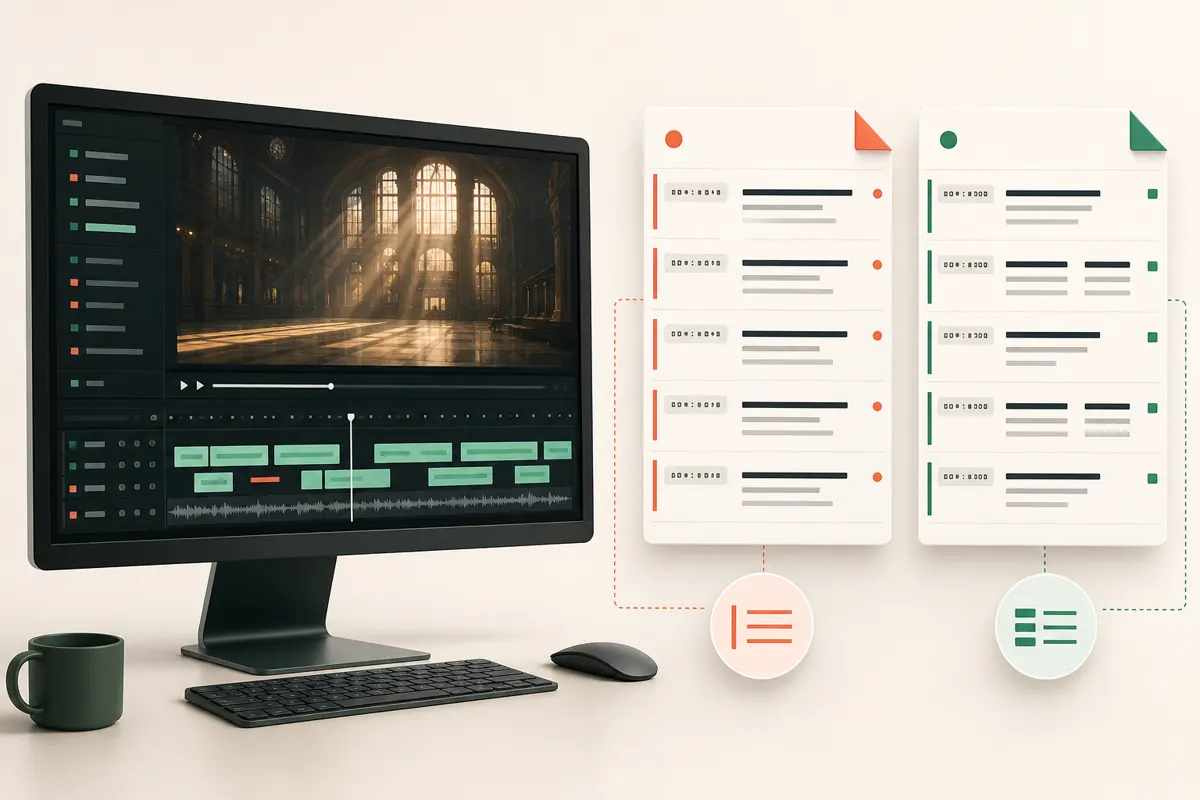
SRT and WebVTT both store timed text beside a video. SRT is the simple compatibility choice; VTT is designed for the web and supports richer cues.
The quick answer
Choose for broad compatibility
Use SRT when uploading captions to video platforms, social tools, or an editor that simply asks for a subtitle file.
Choose for web video
Use WebVTT when building an HTML5 player or when a platform specifically requests a .vtt file.
The differences that matter
| Feature | SRT | WebVTT |
|---|---|---|
| File extension | .srt | .vtt |
| Header | None | WEBVTT |
| Milliseconds | Comma | Period |
| Web positioning and styling | Limited | Built into the format |
| Typical use | Upload and editing workflows | Browser video players |
Both formats can carry the same basic caption words and timings. Converting from one to the other does not improve transcription accuracy.
How the files look
1
00:00:02,400 --> 00:00:05,100
A simple caption.WEBVTT
00:02.400 --> 00:05.100
A simple caption.Notice the VTT header and the different decimal separator. These details are small but important; changing only the filename extension does not properly convert a file.
Format is only one part of good captions
A technically valid file can still be hard to follow. Whichever format you choose, review spelling, timing, reading length, and meaningful sounds. Identify a speaker when the viewer cannot tell who is talking, and include relevant non-speech audio such as [door closes] when it affects understanding.
Our practical recommendation
Download SRT first unless your destination explicitly asks for VTT. CaptionKite lets you download both from the same result, so you can keep an SRT master and create a VTT copy for the web without transcribing twice. See the full video-to-SRT workflow.
What is actually inside the file
Both formats are plain text you can open in Notepad. A cue is a start time, an arrow, an end time, and the words that should be on screen between them. Everything else is detail.
SRT numbers its cues 1, 2, 3 and separates seconds from milliseconds with a comma. WebVTT opens with the word WEBVTT on its own line, treats cue numbers as optional, and uses a period instead of a comma. That comma-versus-period difference is the one that catches people out, because a file can look completely normal and still be rejected.
Two rules matter more than the rest. Times have to move forward, and cues need a blank line between them. Overlapping cues are not strictly illegal, but players disagree wildly about what to do with them, so a caption that looks fine in one and vanishes in another is usually two cues fighting over the same second.
The encoding problem nobody warns you about
Save caption files as UTF-8. If you have ever seen a name come back as Renée or a row of black diamonds, that is an encoding mismatch, and it has nothing to do with how well the speech was transcribed.
It bites hardest on the things you least want mangled: people's names, accented words, currency symbols, anything not in plain English. CaptionKite writes UTF-8, but a round trip through an old editor can quietly change it.
Swapping every comma for a period to convert SRT into VTT will also rewrite commas inside the dialogue. Export both formats from the same transcript instead — you get two correct files and no chance of a sentence losing its punctuation.
The spec says one thing, the player does another
A format describes what a file can express. Whether anything acts on it is a separate question, and the answer changes per platform.
VTT supports positioning, alignment and styling. A browser video player will honour most of it. Upload the same file to a social platform and it will typically keep your words and timings and throw the rest away, because it renders captions its own way. That is not a bug in your file.
So test the destination rather than the standard. Make a short file with two cues, a name containing an accent, and a cue near the very end. Upload that before you commit to a hundred of them. Thirty seconds of checking tells you what the documentation cannot.
Converting between them without breaking anything
Format conversion should change punctuation and headers. It should never change words. If the text is different afterwards, something has gone wrong.
The quickest way to check is to compare the number of cues, then look at the first and last ones. Cue counts match, timings match at both ends, accented characters survived — that is a conversion you can trust. It takes under a minute and catches nearly everything.
Keep the reviewed original too. Renaming a .srt to .vtt does not convert it, and a file that has been through several rename-and-patch cycles is much harder to trust than one exported cleanly from the transcript you already checked.
When nobody tells you which one they want
Most of the time the request is just “can you send the captions?” Send the SRT. It is the format almost everything accepts, it is trivial to open and check, and if the recipient turns out to need VTT you can export one in seconds without transcribing anything again.
What is worth saying alongside it is the part people forget: which language the file is, and whether it is a straight transcript of the dialogue or a captions file that also describes sound. Those are different deliverables, and a file named final.srt tells the next person neither.
Two situations point the other way. If someone is building a web page and mentions the <track> element, they want VTT — that is what browsers are designed around. And if the brief mentions TTML, SCC, EBU-TT or IMSC, neither of these formats is what they are asking for. Those are broadcast and professional captioning standards that carry styling and positioning information SRT and VTT simply cannot express, and forcing a simple format into that role produces something that looks fine until it reaches the system that has to play it.