01
Choose the range
Move the two handles around the part you want to keep. The green band is your downloaded clip.
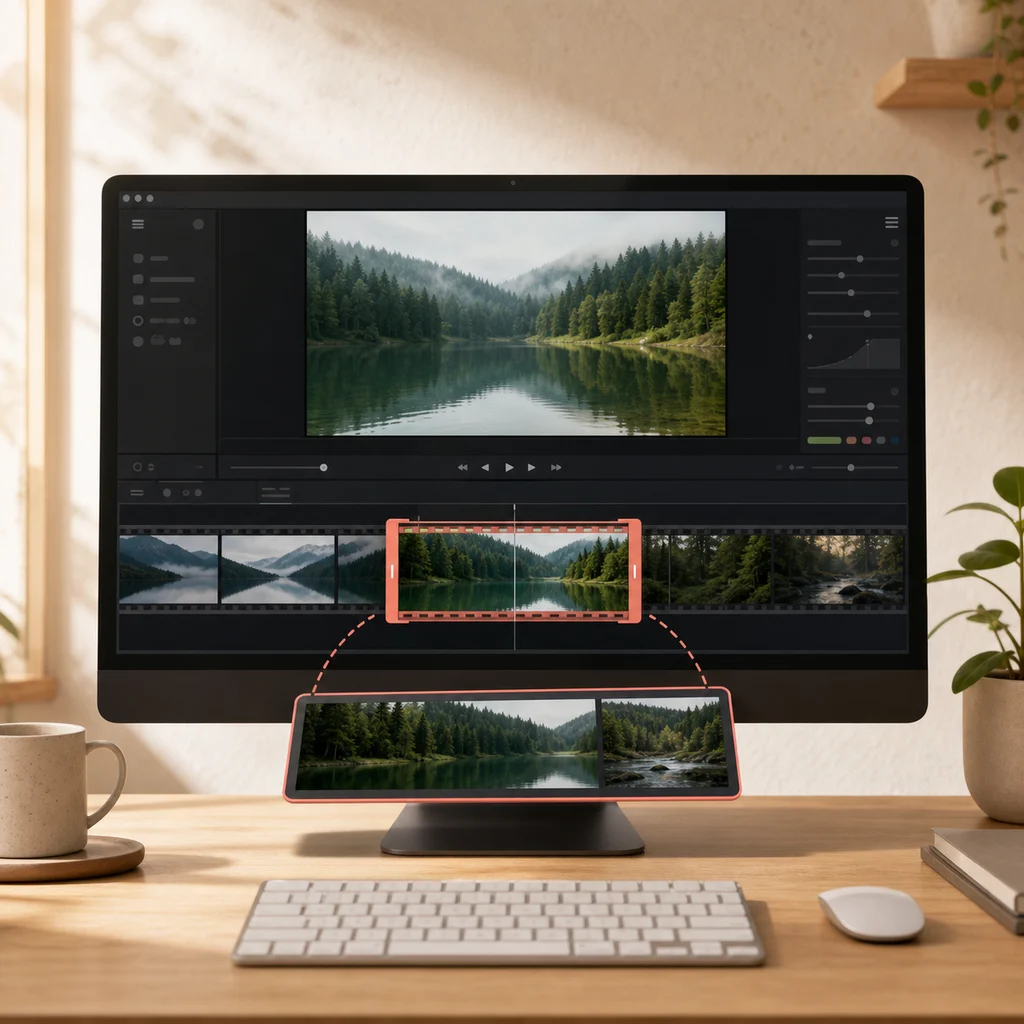
Move the two handles around the part you want to keep. The green band is your downloaded clip.
Use Fast for speed. Choose Precise when the exact opening frame or spoken word matters.
Play the beginning and end of the result before deleting or moving your original file.
Most online trimmers send your video to a server, put it in a queue, and hand back a download link. That means waiting, a size limit set by whoever pays for the bandwidth, and a copy of your footage on someone else's machine. This one reads the file directly from your disk, cuts the section you marked, and writes the result back — the video never travels anywhere.
Copies the original data without re-encoding. Quick even on a long video, and the picture is untouched. The cut lands on the nearest keyframe, so the clip can start slightly before the point you set.
Re-encodes so the clip begins exactly where you chose. Slower, and the picture is re-compressed, though at default settings that is rarely visible.
Use fast for pulling a rough section out of a recording. Use precise when the exact first frame matters — cutting on a word, a beat, or a slide change.
No. The file is read and trimmed inside your browser. We never receive it, and there is no server doing the work.
Fast copies the existing video data. It is quick and loses no quality, but it can only cut at keyframes, so your clip may begin up to a couple of seconds earlier than you chose. Precise re-encodes the video to cut at the exact frame, which takes longer and re-compresses the picture slightly.
Not in fast mode. It copies the original video and audio data untouched, so the clip is identical to that part of the source. Precise mode re-encodes, which involves a small quality loss that is usually invisible.
MP4, WebM, MOV, M4V, and MKV, provided your browser can decode the codecs inside. WebM sources produce WebM; every other supported source produces MP4, so the finished clip is in a broadly usable container.
Up to 2 GB and two hours. Those are technical ceilings rather than a promise: the file is read incrementally so a large video does not need to fit in memory, but a slower device will take longer.
It can, but mobile browsers have tighter memory limits and less codec support than desktop ones. For anything long or high-resolution, a desktop copy of Chrome, Edge, or Firefox is far more reliable.
Turn it into an animated GIF, pull the audio out as MP3, or generate captions and a transcript. All of them run in the browser on the same terms as this one. If the goal is easier sharing, read how to make a video smaller for email or messaging without discarding the part the recipient needs.